
Guide to Submitting RevShare Requests
1. Introduction to RevShare Requests 0:00
Overview of the video purpose:
Walkthrough on how to submit RevShare requests.
Monthly RevShare payout process explained.
2. Important Dates 0:13
RevShare requests must be submitted by the 13th of each month.
Payouts are made on the 15th of each month.
3. Log into HomHQ 0:17
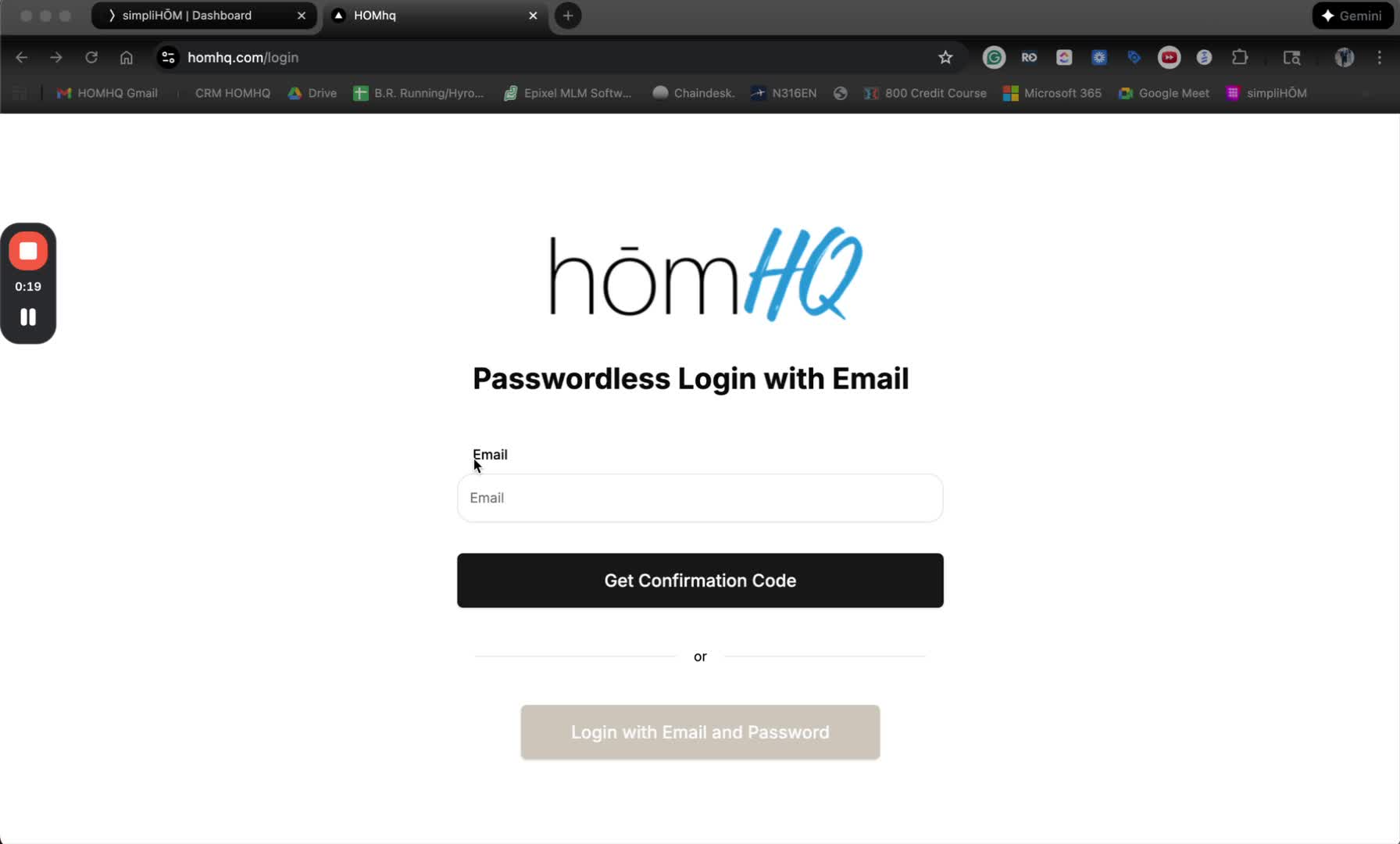
Go to HomHQ and log in using your credentials.
4. Accessing the RevShare Portal 0:32
Navigate to the simpliSHARE platform from your HOMhq dashboard.
If it's your first time, you will need to log into the RevShare portal using the same credentials as HomeHQ.
5. Checking Your Available Balance 0:54
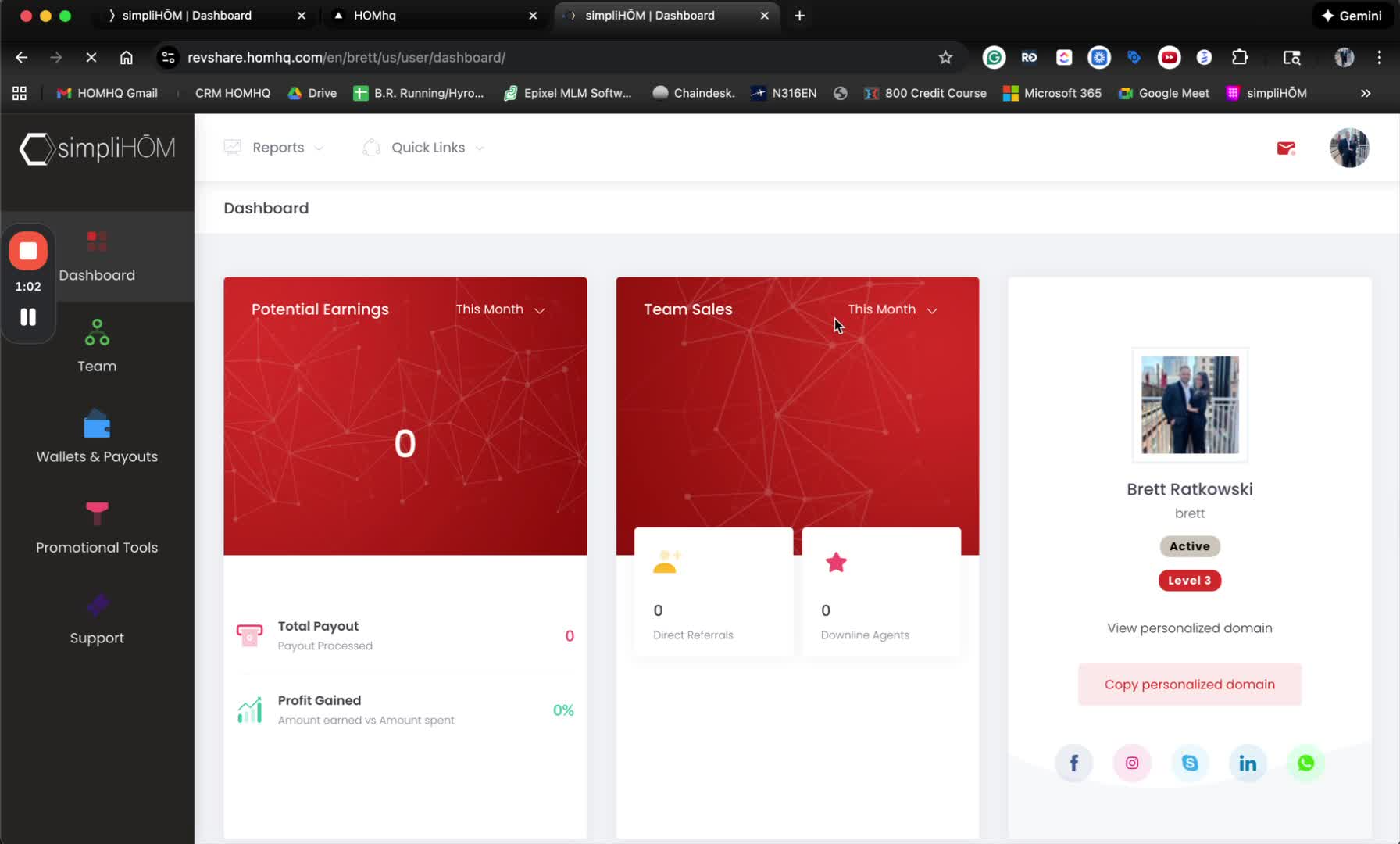
Once logged in, scroll down to the Commission Wallet to view your available balance.
6. Requesting a RevShare Payout 1:10
Go to Wallets and Payouts, then Payout Requests.
Minimum withdrawal amount is $5; maximum is $50,000 per transaction.
For this example, request $500 by clicking 'Proceed'.
7. Security Token Verification 1:49
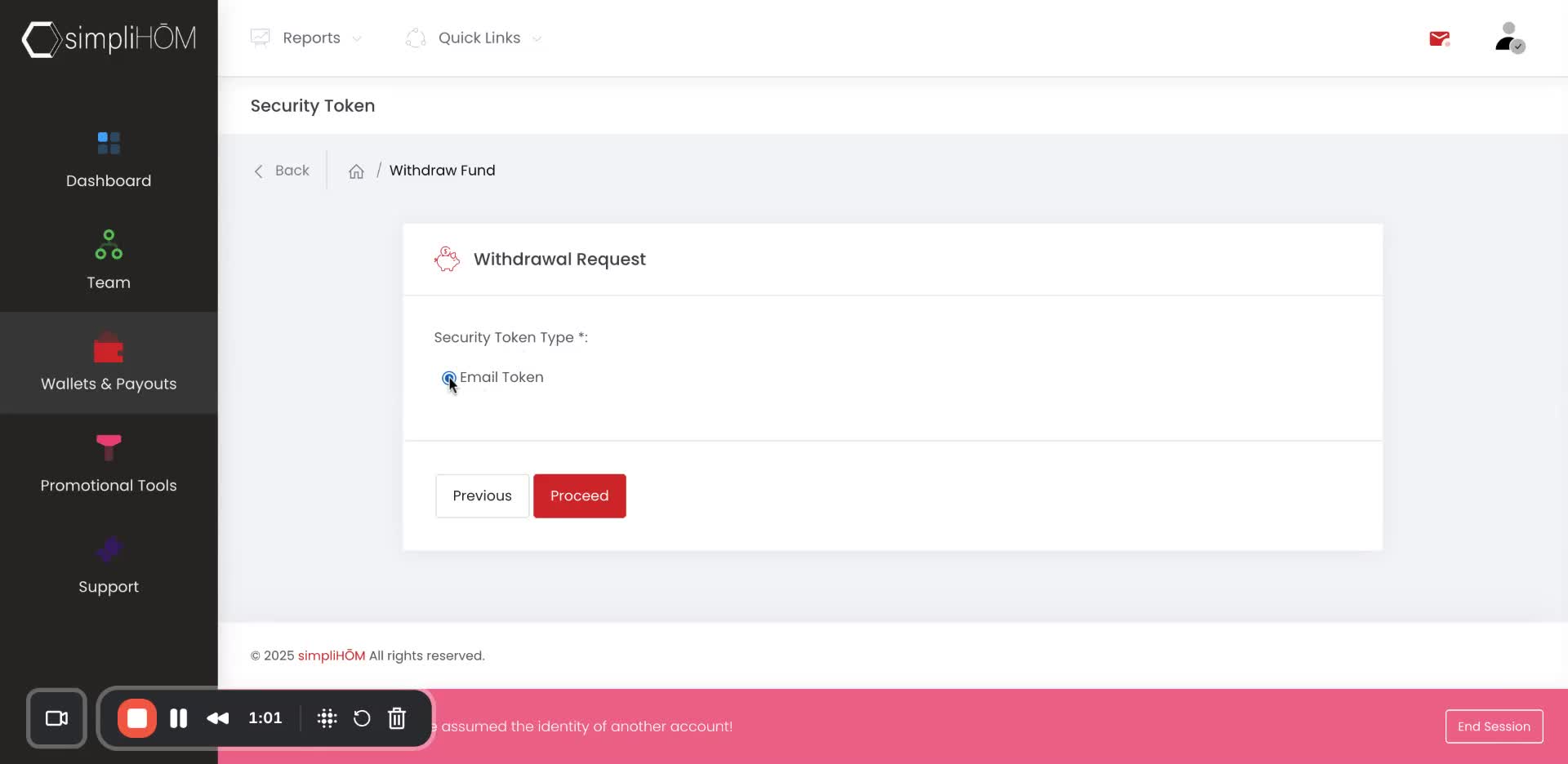
A security token will be sent to your simpliHOM email for verification.
Retrieve the six-digit code from your email.
8. Completing the Request 1:59
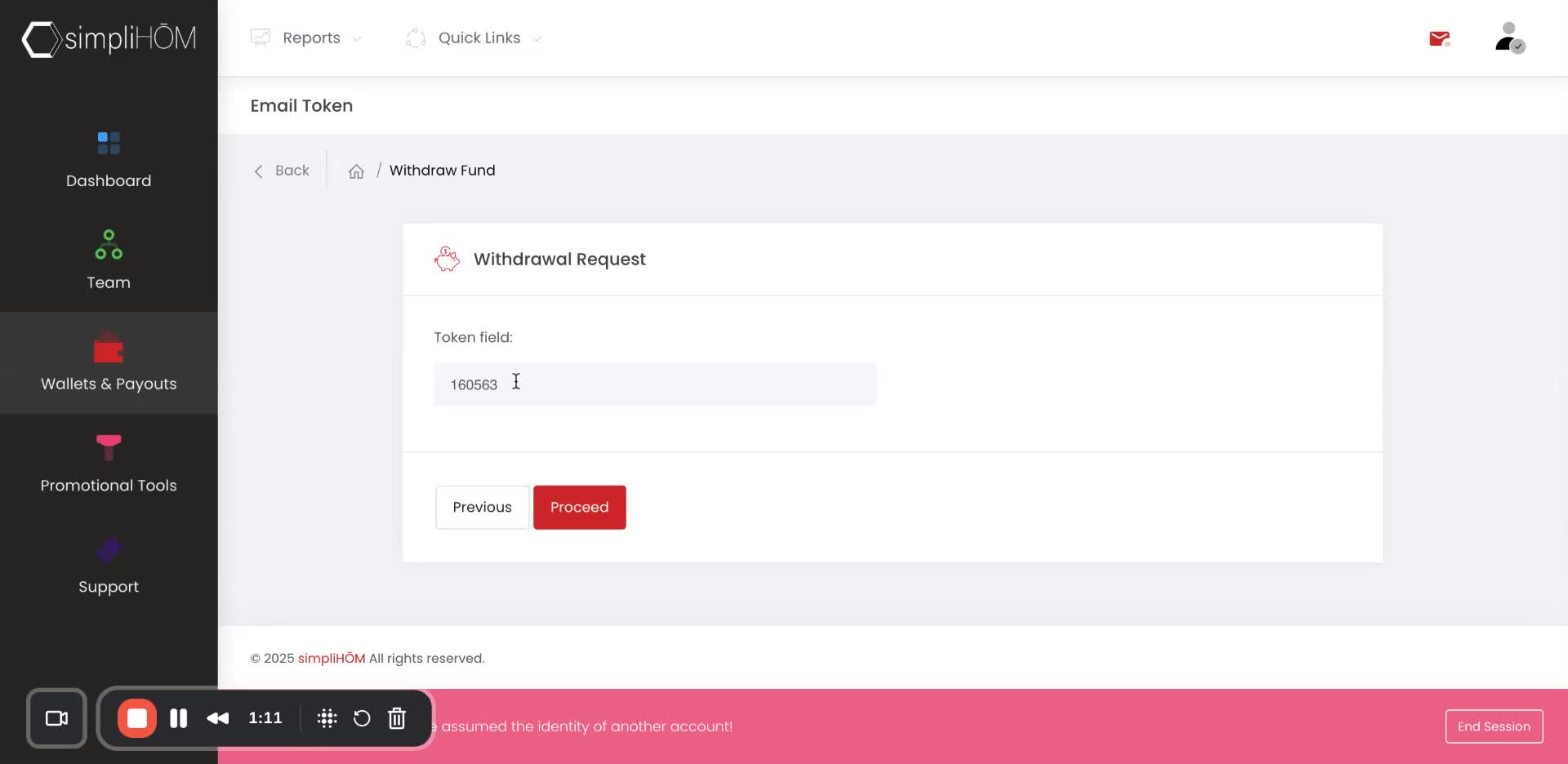
Enter the security token and hit 'Proceed'.
Confirmation that the request has been submitted will be displayed.
9. Notification of Payout 2:08
You will receive an email notification once the payout has been processed.